
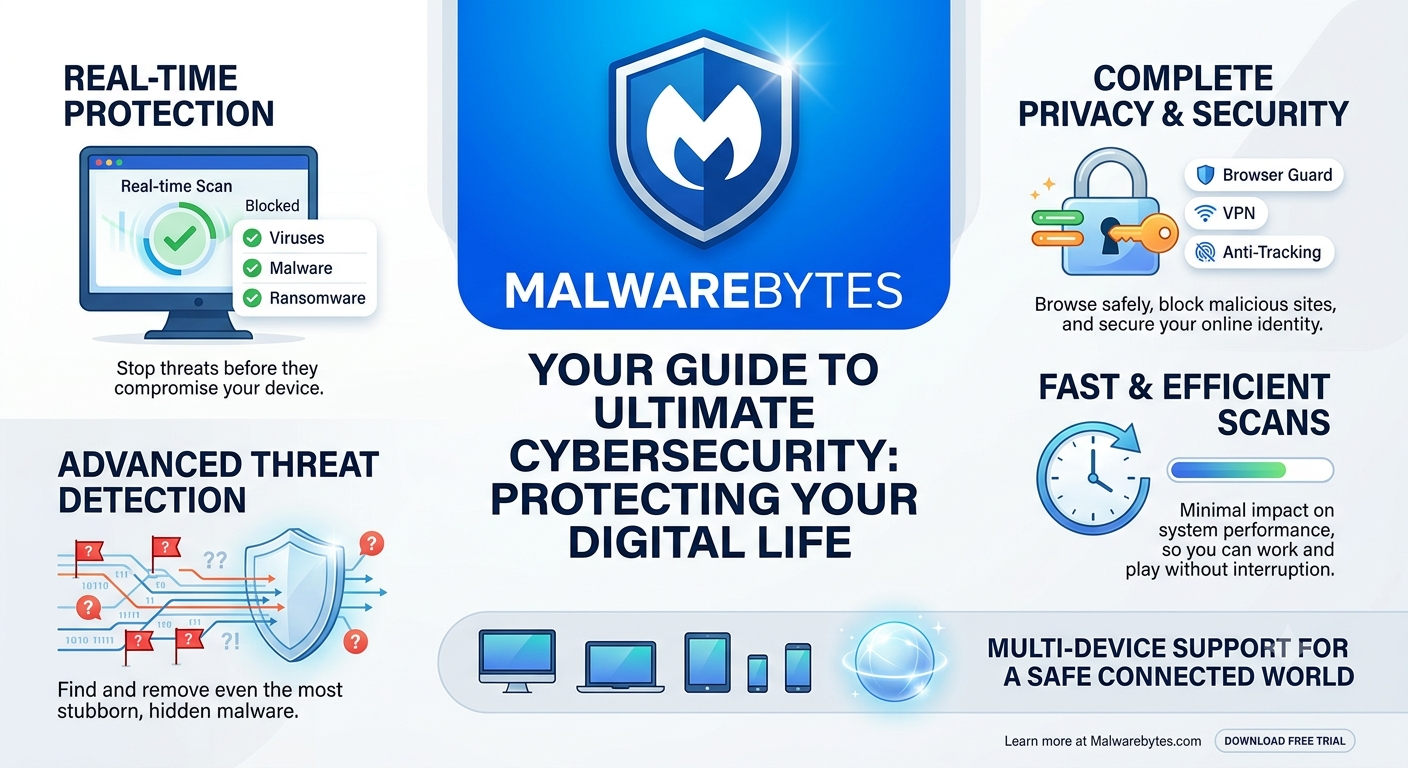
The digital landscape has fundamentally transformed. We no longer just “go online”—we live online. Our banking, careers, social lives, and personal memories are deeply intertwined with the cloud and interconnected devices. But this hyper-connectivity comes with a stark vulnerability: the explosive evolution of cyber threats. Gone are the days when a simple computer virus merely slowed down your system or popped up annoying advertisements. Today’s threat landscape is weaponized, clandestine, and multi-layered.
To safeguard your digital ecosystem, traditional, reactive antivirus software is no longer sufficient. Enter Malwarebytes, a pioneer in the cybersecurity industry that shifted the paradigm from basic virus remediation to advanced, proactive digital defense.
This comprehensive guide breaks down how Malwarebytes establishes an impenetrable digital shield, analyzing its core pillars of real-time protection, advanced threat detection, privacy infrastructure, and its lightweight footprint on modern operating systems.
1. Real-Time Protection: Stopping Threats Before Impact
The most effective way to handle a cyberattack is to ensure it never executes in the first place. Malwarebytes operates on a philosophy of constant vigilance, deploying active scanning shields that act as a digital perimeter guard for your operating system.
Dynamic Zero-Day Exploit Prevention
Traditional security software relies on a database of known threat signatures. If a hacker releases a brand-new strain of malware—known as a zero-day exploit—signature-based detectors are blind to it. Malwarebytes counters this through dynamic exploit prevention. It maps the normal behavior of standard applications (like web browsers or media players) and instantly blocks them if they attempt to execute unauthorized, suspicious code hidden within harmless-looking files.
The Shield Against Modern Threats
The real-time protection engine categorizes and destroys incoming threats across three major vectors:
- Viruses: Legacy and modern self-replicating code blocks designed to corrupt file structures.
- Malware: Malicious software payloads, including spyware, trojans, and keyloggers designed to siphon sensitive data.
- Ransomware: Perhaps the most devastating threat today, ransomware encrypts personal data and demands financial payment. Malwarebytes stops ransomware processes mid-stride, preserving your data before encryption algorithms can take root.
2. Advanced Threat Detection: Hunting the Invisible
When threats manage to bypass initial entry points—often through sophisticated social engineering or phishing campaigns—they attempt to camouflage themselves deep within the system registry or system files. This is where Malwarebytes’ advanced threat detection engine takes over.
Heuristic and Behavioral Analysis
Instead of simply looking at what a file is (its signature), Malwarebytes analyzes what a file does. Through heuristic analysis, the software studies code structure to find patterns common to malicious programming. Through behavioral analysis, it monitors active processes. If an unknown file suddenly attempts to modify core system files, inject code into other processes, or establish unauthorized external server connections, it is flagged, contained, and quarantined instantly.
Combating Polymorphic Malware
Sophisticated cybercriminals use automated tools to generate polymorphic malware—malicious code that constantly changes its outer digital signature every time it replicates. Because the file looks different to basic scanners on every computer it infects, traditional lists cannot keep up. Malwarebytes’ behavioral engines bypass the changing exterior to pinpoint the core malicious intent, neutralizing polymorphic threats regardless of their shape or form.
3. Complete Privacy & Security: Reclaiming the Web
True cybersecurity is no longer just about protecting the hard drive; it is about protecting your identity and privacy as you navigate the open internet. The modern web is teeming with trackers, malicious scripts, and fraudulent portals. Malwarebytes addresses this via an integrated suite of privacy tools.
+--------------------------------------------------------------------------+
|                     MALWAREBYTES PRIVACY ECOSYSTEM                       |
+------------------------------------+-------------------------------------+
|            TOOL                    |               FUNCTION              |
+------------------------------------+-------------------------------------+
| 1. Browser Guard                   | Blocks phishing, scams, & bad ads   |
| 2. Secure VPN                      | Encrypts traffic & masks location   |
| 3. Anti-Tracking                   | Stops ad networks from profiling you|
+------------------------------------+-------------------------------------+
Browser Guard
Operating as an intelligent extension, Browser Guard cleans up your web-browsing experience. It blocks tech support scams, phishing URLs designed to steal banking credentials, and malicious advertisements (malvertising) that infect computers the moment a webpage loads.
Anonymous Browsing with VPN
A Virtual Private Network (VPN) creates an encrypted tunnel between your device and the internet. Malwarebytes integrates high-speed VPN capabilities to shield your online activities from internet service providers, hackers on public Wi-Fi networks, and government surveillance, keeping your geographical location completely anonymous.
Anti-Tracking
Every click, search, and purchase you make is tracked by corporate advertising networks to build a behavioral profile on you. Malwarebytes blocks these tracking scripts, preventing ad networks from monitoring your online behavior and serving intrusive targeted ads.
4. Fast, Efficient, and Resource-Light Scans
A common complaint regarding comprehensive security suites is that they degrade computer performance. Users often disable their antivirus software because it hogs CPU resources, lagging games or rendering work applications sluggish. Malwarebytes overcomes this bottleneck through optimized engineering.
- Smart Scan Technology: By intelligently mapping system structures, Malwarebytes optimizes scan paths, focusing heavily on areas where malware historically hides. This minimizes scan times without sacrificing thoroughness.
- Low CPU Footprint: The application is built to run silently in the background with minimal memory and CPU usage, ensuring your device runs smoothly even during deep-system checks.
- Custom Scheduling: Users retain full control, allowing automated scans to run at late hours, during breaks, or at convenient intervals so digital workflows remain entirely uninterrupted.
5. Cross-Platform & Ecosystem Support
Malwarebytes offers a multi-device support framework tailored for modern life, acknowledging that a user’s digital footprint spans multiple ecosystems:
Windows & macOS
Full-desktop protection built to handle operating system-specific threats. While Windows faces a higher volume of executable threats, macOS targets have faced a steep rise in adware, PUPs (Potentially Unwanted Programs), and browser hijackers. Malwarebytes provides dedicated engines optimized for both environments.
Android & iOS
Mobile devices are prime targets for SMS phishing (smishing), compromised applications, and rogue wireless networks. The mobile ecosystem ensures active application scanning, malicious link blocking, and privacy audits for permissions granted to mobile apps.
Gaming Mode
For enthusiasts and professionals alike, interruptions can break immersion or ruin productivity. Malwarebytes features an intelligent Gaming Mode that automatically suppresses non-critical notifications, pop-ups, and background scheduled scans whenever a full-screen application or game is active.
The Complete Digital Defense Architecture
A secure digital life cannot rely on luck or basic, built-in operating system defaults. As cybercrime morphs into automated, AI-driven attacks, having an active, layered security ecosystem like Malwarebytes becomes essential.
By integrating Real-Time Protection, Behavioral Threat Detection, Privacy Cloaking, and Optimized System Footprints, Malwarebytes moves beyond standard antivirus utilities. It creates a seamless, quiet, yet incredibly powerful protective bubble around your devices—allowing you to work, play, browse, and transact with absolute peace of mind in a connected world.
Also Read: Understanding the Migration: Verizon, AOL, and the End of the Verizon.net Era – My Tech Blaze
Source: Download Free Antivirus Software for PC | AVG Virus Protection